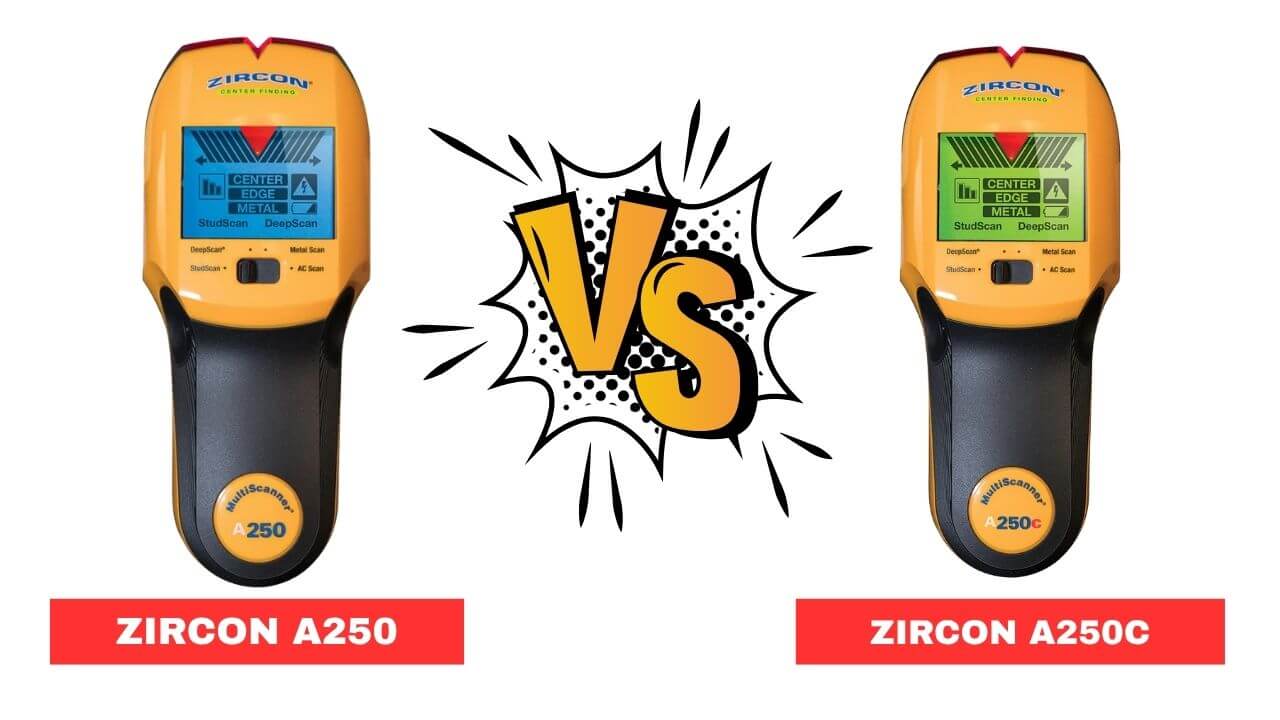
A wall job can feel easy until the scanner gives a weak signal or a wire sits where the drill needs to go. One wrong spot can waste time and turn a quick job into a repair. The Zircon A250 vs A250c choice mainly comes down to scan feedback, key features, and daily use. This guide breaks down the real differences to help you pick the better fit.
Black Friday 2026
Black Friday Sale is LIVE! Don't miss out on today's deals.
Check Price on Amazon As an Amazon Associate I earn from qualifying purchases.1. Zircon A250 Review
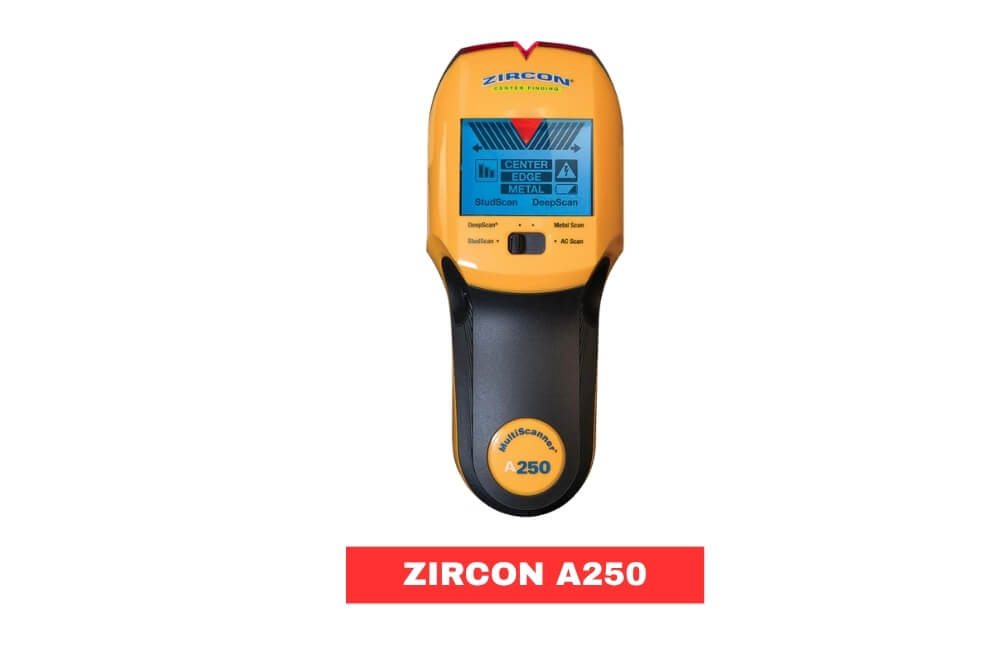
The A250 is built for more than basic stud finding. It can find stud edges, stud centers, metal, and live AC wiring. It also features DeepScan for thicker wall areas.
Black Friday 2026
Black Friday Sale is LIVE! Don't miss out on today's deals.
Check Price on Amazon As an Amazon Associate I earn from qualifying purchases.Pros and Cons
The core scan range is strong. The main trade-off is the simpler display system.
Black Friday 2026
Black Friday Sale is LIVE! Don't miss out on today's deals.
Check Price on Amazon As an Amazon Associate I earn from qualifying purchases.| Type | Feature | Practical Impact |
|---|---|---|
| Pro | Stud center finding | Makes marking a stud easier |
| Pro | DeepScan mode | Helps with thicker surfaces |
| Pro | Metal Scan | Finds metal behind walls |
| Pro | AC Scan | Helps locate live AC wires |
| Con | Simpler display | Less color-based feedback |
| Con | 9V battery | Battery must be replaced when low |
Day-to-Day Scanning
The A250 provides several useful scan modes in one tool:
- StudScan: Finds the center, edges, and direction of wood or metal studs up to 3/4 inch deep.
- DeepScan: Reaches up to 1 1/2 inches.
- Metal Scan: Detects non-ferrous metal such as copper up to 1 1/2 inches deep and ferrous metal such as rebar up to 3 inches.
- AC Scan: Detects live, unshielded wiring up to 2 inches deep.
That makes the A250 useful before drilling, mounting, or cutting. The SpotLite pointer helps show the target on the wall. Its Auto Correcting Technology can also correct common scan-start errors.
Recommendation
The A250 makes the most sense when core scanning features matter more than extra visual cues.
| User Type | Recommendation | Reason |
|---|---|---|
| DIY users | Good Fit | Covers common wall scans |
| Home repair users | Good Fit | Finds studs, metal, and AC |
| Frequent remodelers | Good Fit | DeepScan adds useful range |
| Users wanting color alerts | Not Ideal | Display is less visual |
| Simple scanning needs | Good Fit | Multiple modes are included |
2. Zircon A250c Review
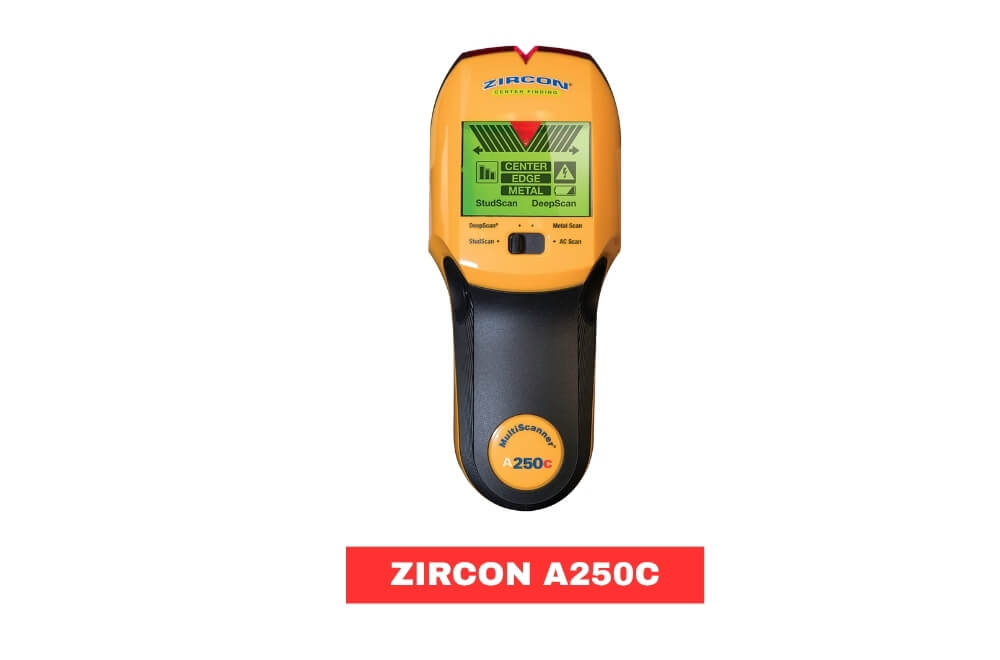
The A250c keeps the main scanning functions but adds a more visual display system. Its ColorTrip display uses different colors for stud, metal, and AC scan modes.
Pros and Cons
The extra display cues make scan results easier to read at a glance. The core sensing range remains very similar to the A250.
| Type | Feature | Practical Impact |
|---|---|---|
| Pro | ColorTrip display | Gives clear color-based feedback |
| Pro | AC warning | Red alert helps flag live wiring |
| Pro | DeepScan mode | Scans studs up to 1 1/2 inches |
| Pro | Metal Scan | Detects deeper metal targets |
| Con | Higher price | Costs more than the A250 |
| Con | 9V battery | Needs a 9V alkaline battery |
Clearer Scan Feedback
The A250c uses green for stud scanning, blue for Metal Scan, and red for live AC Scan. The screen can also light or flash red when live AC wiring is detected during other scan modes.
- This can be useful when moving across a busy wall.
- The tool features a SpotLite pointer, signal strength indicator, and illuminated marking groove.
- Sensing depths remain similar: StudScan up to 3/4 inch, DeepScan up to 1 1/2 inches, and AC Scan up to 2 inches under stated conditions.
Recommendation
The A250c fits users who want the same broad scanning utility but with clearer visual feedback.
| User Type | Recommendation | Reason |
|---|---|---|
| DIY users | Good Fit | Clear scan colors help |
| Electricians | Good Fit | AC alerts add useful feedback |
| Remodelers | Good Fit | Multiple scan modes help |
| Budget buyers | Not Ideal | Costs more than the A250 |
| First-time users | Good Fit | Color cues are easy to read |
3. Detailed Comparison: Zircon A250 vs A250c
Both tools cover the same main wall-scan jobs. The bigger question is how much extra visual feedback is useful during a scan.
Performance
Both models offer StudScan, DeepScan, Metal Scan, and AC Scan. Their listed scan depths are nearly identical, so the A250c does not have a major depth advantage. Its main difference is how scan information is shown.
| Feature | A250 | A250c |
|---|---|---|
| StudScan | Up to 3/4 in. | Up to 3/4 in. |
| DeepScan | Up to 1 1/2 in. | Up to 1 1/2 in. |
| Metal Scan | Up to 3 in. | Up to 3 in. |
| AC Scan | Up to 2 in. | Up to 2 in. |
| Main Edge | Core scanning | Clearer visual feedback |
A250 Rating: 9/10
A250c Rating: 9.3/10
Ease of Use
The A250 uses a 4-mode switch to move between its main scan modes. Its backlit LCD shows signal information during scanning.
The A250c adds ColorTrip color cues. Green marks StudScan and DeepScan, blue marks Metal Scan, and red marks AC Scan. A red flash can also warn of live AC wiring in other scan modes.
| Feature | A250 | A250c |
|---|---|---|
| Mode selection | 4-mode switch | Multi-mode scanning |
| Color feedback | Standard display | ColorTrip display |
| AC visual alert | Yes | Enhanced red alert |
| SpotLite pointer | Yes | Yes |
| Ease score | Strong | Slightly stronger |
A250 Rating: 8.8/10
A250c Rating: 9.4/10
Build Quality
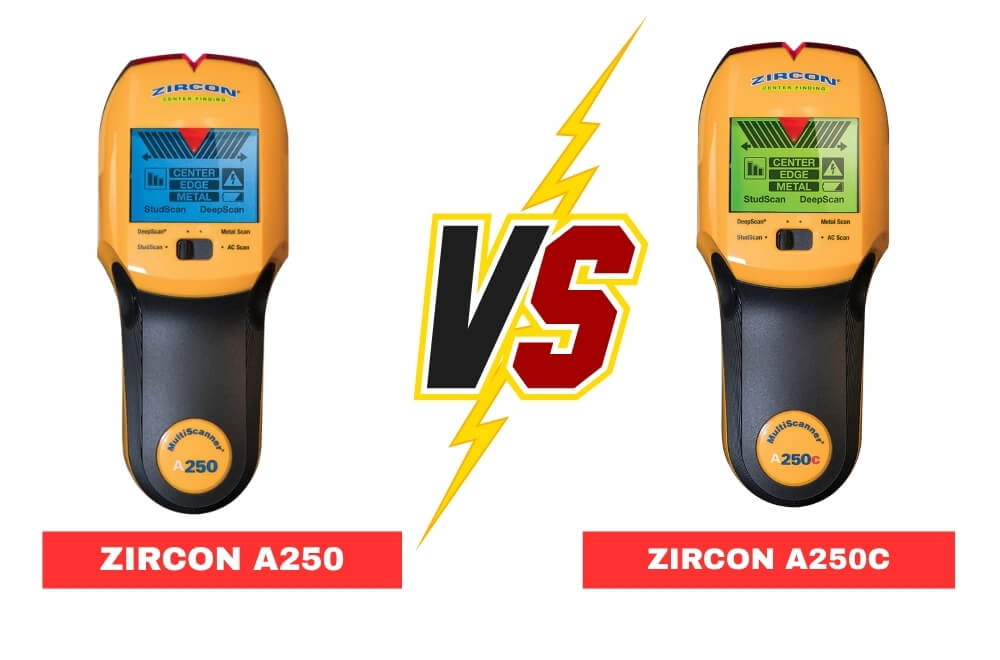
Both models have an ergonomic grip, translucent base, illuminated marking groove, and splash and water resistance. Neither is waterproof.
The A250c is listed at about 8.13 oz without the battery on the current product page. Its listed size is 7.72 x 3.23 x 1.80 inches.
| Feature | A250 | A250c |
|---|---|---|
| Grip | Ergonomic | Ergonomic |
| Marking groove | Yes | Yes |
| SpotLite pointer | Yes | Yes |
| Water protection | Splash and water resistant | Splash and water resistant |
| Build edge | Solid | Solid |
A250 Rating: 9/10
A250c Rating: 9/10
Maintenance
Both tools require a 9V alkaline battery. The A250c listing states that the battery is not included. The A250 also requires a 9V alkaline battery.
A fresh battery can help the scanner work as intended. Still, scan depth and accuracy can change with moisture, mineral content, wall texture, and wall consistency.
| Feature | A250 | A250c |
|---|---|---|
| Battery | 9V alkaline | 9V alkaline |
| Low battery alert | Yes | Yes |
| Water resistance | Splash and water resistant | Splash and water resistant |
| Indoor use | Yes | Yes |
| Care level | Low | Low |
A250 Rating: 8.9/10
A250c Rating: 8.9/10
Value for Money
The official store currently lists the A250 at $59.99 and the A250c at $69.99. Prices and stock can change.
The A250 gives the main scanning features at a lower listed price. The A250c costs $10 more and adds ColorTrip visual feedback plus enhanced red AC alerts.
| Feature | A250 | A250c |
|---|---|---|
| Listed price | $59.99 | $69.99 |
| Core scans | Strong | Strong |
| Visual feedback | Good | Better |
| Extra cost | Lower | Higher |
| Value edge | Budget choice | Feature choice |
A250 Rating: 9.2/10
A250c Rating: 9.3/10
4. Conclusion & FAQs
Conclusion
The Zircon A250 vs A250c choice is not mainly about scan depth, as both cover the key wall-scanning jobs. The A250 suits a lower-cost setup, while the A250c makes more sense when clearer color feedback and AC alerts are a priority.
1. What is the main difference in Zircon A250 vs A250c?
The biggest difference is the display system. The A250c adds ColorTrip color feedback and enhanced red AC alerts.
2. Does the A250c scan deeper than the A250?
No major depth advantage is listed. Both reach up to 1 1/2 inches in DeepScan and up to 2 inches for live AC wiring under stated conditions.
3. Can both models find metal?
Yes. Both can detect non-ferrous metal up to 1 1/2 inches and ferrous metal up to 3 inches under the listed conditions.
4. Is the A250 good for finding live wires?
Yes. The A250 has AC Scan and WireWarning detection for live, unshielded AC wiring.
5. Which is better for easy scanning?
The A250c is the easier pick when clear visual feedback matters. The A250 is a better fit when the core scan features matter more than extra display cues.
Official References
- Official A250 Product Page
- Official A250c Product Page
- A250 Official Datasheet
- A250c Official Instructions